Göteborg, 5 October 2026
Dear Unigrid community,
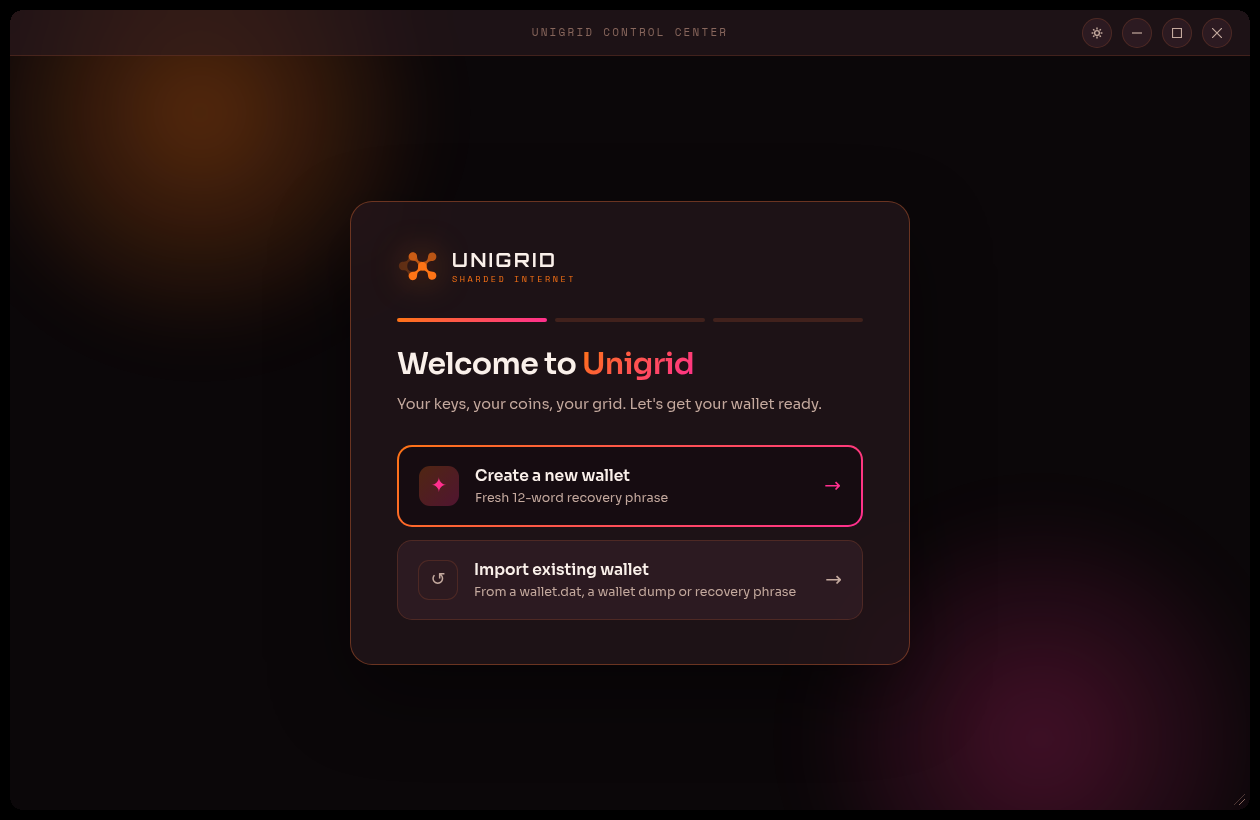
Today we are releasing Janus 2.0.0, a new version of the Unigrid wallet. It is the first wallet release since 1.0.13 in April 2024, and it has been rebuilt from the ground up as the Unigrid Control Center: a desktop frontend to Hedgehog and the Unigrid network.
Built on Hedgehog
In our previous update we described how Hedgehog was being adapted to read the legacy blockchain, so that we could move away from the old network and its dependency on the Bitcoin codebase. Janus 2.0.0 is the first release that builds on that work. The legacy ledger has been frozen and signed by the foundation, and Janus now reads your balances and history from it through Hedgehog. The legacy daemon is no longer needed to run the wallet.
Bring your wallet, or create a new one
If you already hold UGD, Janus finds the wallet.dat that the previous wallet left on your computer, or lets you pick a wallet.dat or a wallet dump from anywhere else. You can also create a new wallet from a fresh 12-word recovery phrase, or restore one from a phrase you already have. Recovery phrases and imported keys are kept on your own computer, sealed with a password of your choice.
See what you hold
The new dashboard shows your total balance, including any UGD that is still awaiting mint, together with the addresses that hold your funds and the periods your wallet was active. The full history can be filtered, searched by address or transaction id, and exported as CSV.
A first step
Janus 2.0.0 shows your wallet as the frozen ledger records it. It does not send, stake or run gridnodes yet. Those will follow in later releases, and the password you choose now is the one you will need once Janus can send.
Getting Janus
Installers for Windows, macOS (Apple silicon) and Linux (deb, rpm and tar.gz) are available from the Janus releases page. Each one carries everything it needs to run, and fetches the matching Hedgehog release the first time it starts, after checking that it is signed by the foundation.
The installers are not yet signed with a certificate from Apple or Microsoft, so macOS and Windows will warn you the first time you run one. The release notes explain how to continue, and how to verify your download against its checksums. Step by step guides for installing and using the wallet are available in the Janus wiki.
Thank you
Thank you to everyone who has stayed with us while the wallet was being rebuilt. Questions are always welcome at info@unigridfoundation.se, and the documentation is available at unigrid-project.github.io.
Sincerely, Stiftelsen The Unigrid Foundation